Then shalt thou understand righteousness and justice,
Proverbs 2:9 (ASV)
And equity, yea, every good path.

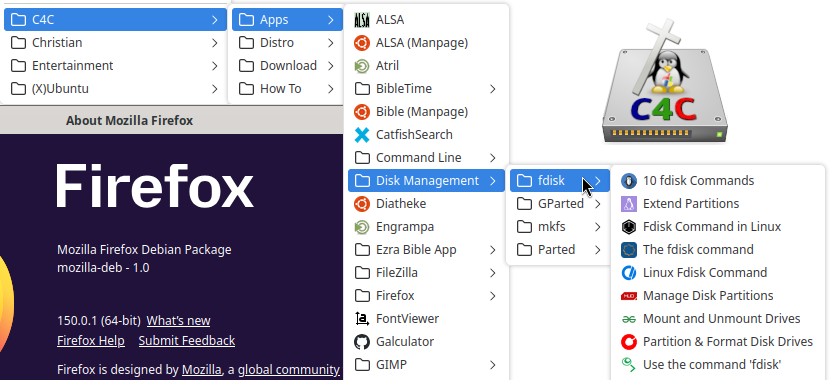
Firefox has been the default Ubuntu Web Browser for many years. Upgrade to C4C Ubuntu 26.04 to automatically update Firefox to version 150 and beyond. Firefox features include language translation without data sharing, enhanced tracking protection, fingerprinting blocking, tab groups, tab pins, vertical tabs, picture-in-picture and PDF editing. Thousands of Firefox add-ons are available; extend it’s capabilities, theme it, make it work the way you do. Computers4Christians only installs one add-on by default; the FoxFilter parental control (subscribe if you find it useful).
Firefox Preferences gives you access to all sorts of settings. Control which plugins do what, what applications to use for which media type, how tabs are used, if and how your Internet activity is tracked and by whom, etc. The people behind Firefox (and Thunderbird), the non-profit Mozilla organization, uses the only other browser engine available on Linux not based on Chromium, Quantum. By default, the top search engine is set to Duck Duck Go. But, this is easily changed and or rearranged with other searches. Click the icon to the left of the search box to switch to one of the other preset options, or choose “Manage Search Engines” to get many more choices.
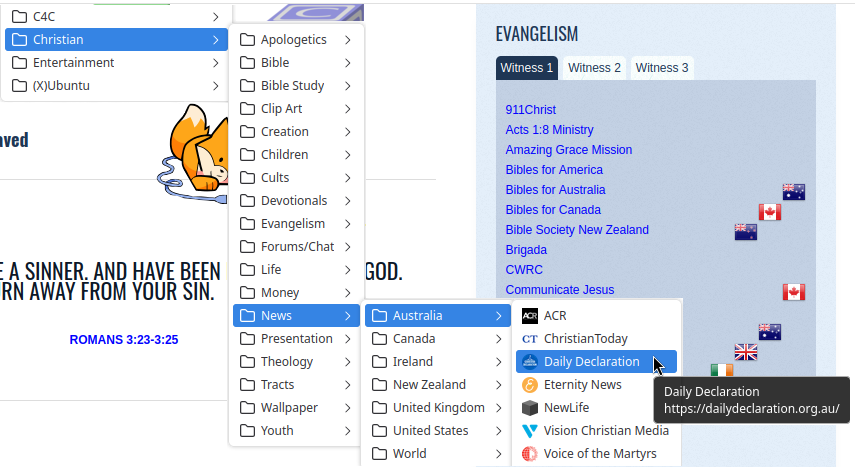
Built-in organizing allows you to categorize your bookmarks on the fly (while you’re browsing). Hit the “Choose” selection to save in an existing category (C4C loaded-up Firefox with hundreds of categorized bookmarks already), or select “Organize Bookmarks…” to use the Library where you can backup, restore, import, export, add, delete and rearrange bookmarks at any time.
The source code of Firefox is available under various free and open source licenses, mostly the Mozilla Public License 2.0 (MPL).

FileZilla client software is a fast file transfer client supporting FTP, FTP over SSL/TLS (FTPS) and SSH File Transfer Protocol (SFTP). FileZilla features bookmarking, drag and drop, HTTP/1.1, SOCKS5 and FTP-Proxy support, resume and transfer of large files, remote file search and IPv6 support.
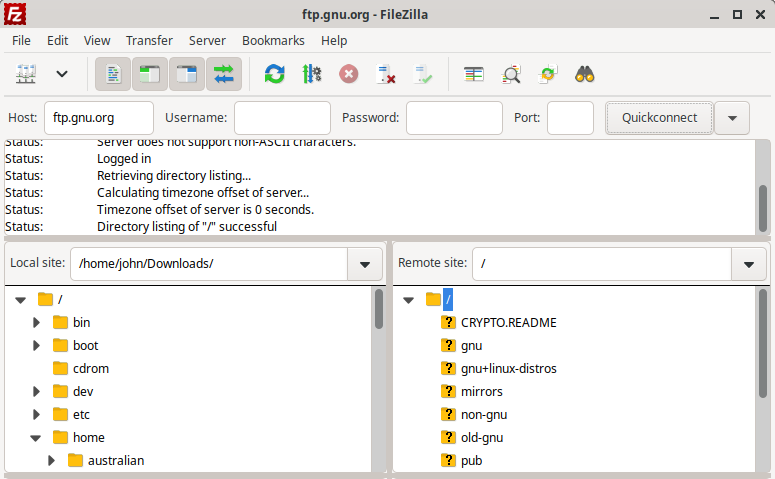
FileZilla is free and open source software licensed under the GPL.

Gufw A Firewall is your first line of defense from outside attack on your computer. Thankfully, most any Ubuntu-based distro comes with a firewall; IPTables. The firewall is not turned on; that is for you to do. IPTables is managed (via command line) by what’s called UFW; Uncomplicated FireWall. To make it even less complicated, C4C includes Gufw for a nice graphical user interface. Read Set Up a Firewall with Gufw from It’s FOSS.
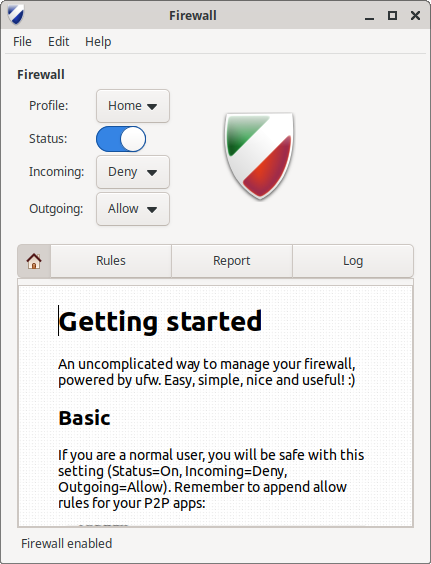
Gufw is free and open source software licensed under the GPL.

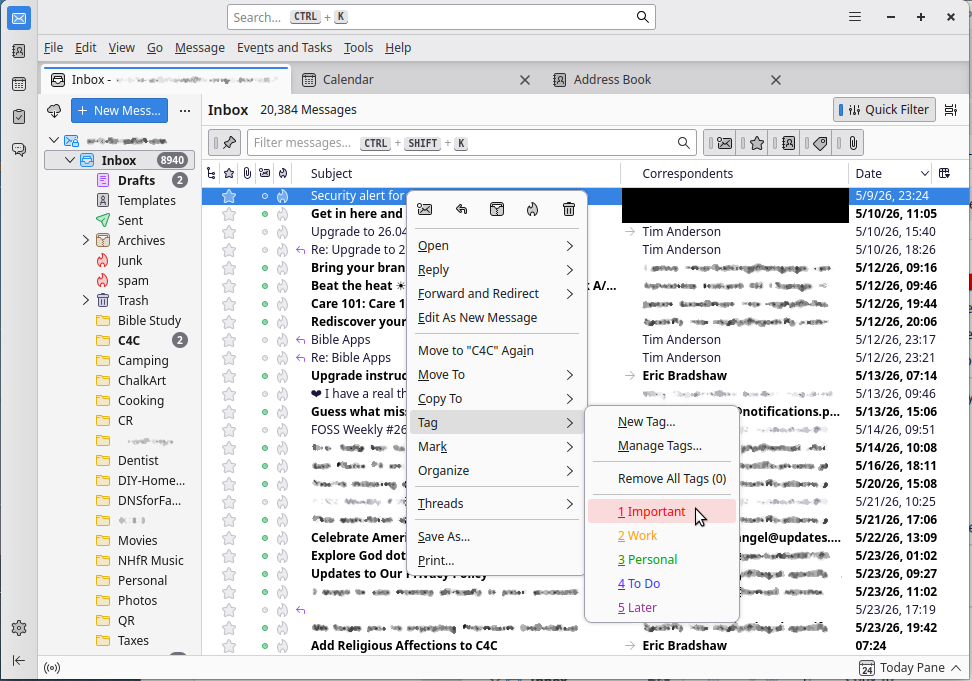
Another flagship product of Mozilla, Thunderbird email client features tabbed mail view, filtering, message archiving, folders, smart folders, calendar and scheduler integration, themes, personas and add-ons. Filter email searches based on from, to, timeline, and attachments. Open multiple search keywords and jump between result tabs. Smart Folders can be used to combine your Inbox, Sent, and/or Archive folders from multiple email accounts. Create a Virtual Folder from your search conditions and edit the name and conditions. Load emails and searches in Tabs; reorder emails and search result tabs and drag them to different windows.
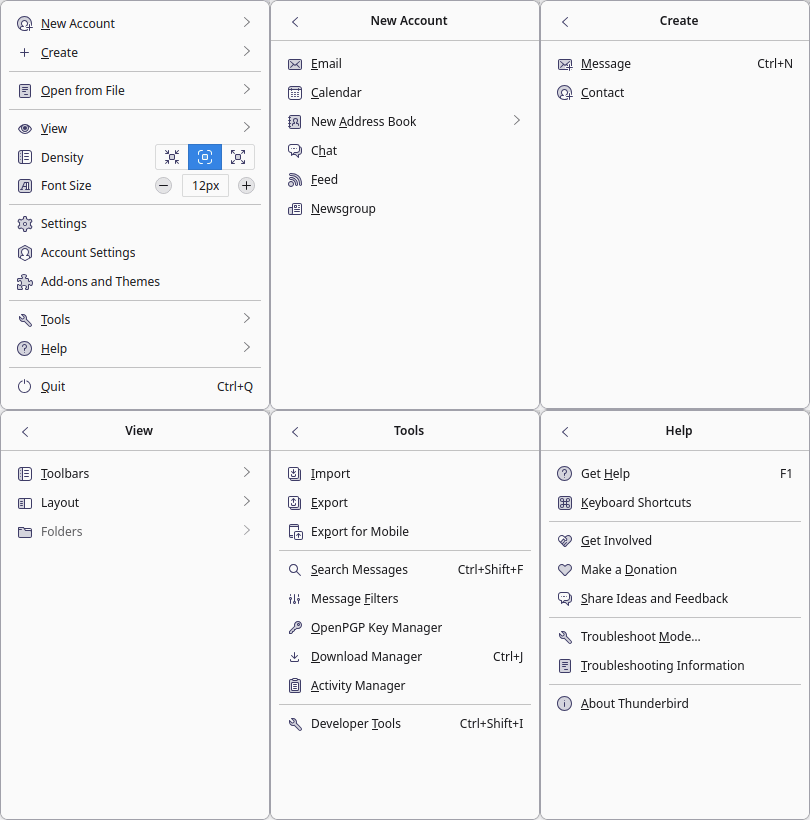
Thunderbird has extensive, adaptive “junk” mail classification(s). Train Thunderbird to get rid of junk by using the “junk” and “not junk” buttons on incoming emails. Then use the Junk Mail Controls to make the process of moving spam to the junk mail folder automatic. Thunderbird also automatically blocks remote image requests unless and/or until you tell it not to, depending on the sender(s). And Thunderbird warns you when you click on a link in an email that will take you to a different Web site than the one indicated by the URL. Upgrading to C4C Ubuntu 26.04 updates Thunderbird to an ESR (Extended Support Release) version that prioritizes stability and security and only adds major new features once a year.
Thunderbird supports POP and IMAP email. Check out Email and Messaging, Multiple Calendars, RSS basics, and How to Subscribe to News Feeds and Blogs. You can use webmail in Thunderbird too. See specific solutions for AOL, Gmail, Yandex, Yahoo!, Zoho and read this rather comical exchange about Hotmail/Outlook. You can also use Thunderbird as an RSS and newsgroup reader. S/MIME support means you can encrypt and sign mail as well – OpenPGP plug-in available.
Thunderbird is free and open source software licensed under the Mozilla Public License 2.
